BTCPay Server Review: Hosting Costs, Coins, Plugins, Lightning
BTCPay Server charges 0% but you run the server. What v2.4.4 supports, real hosting costs, Lightning options and who it suits. Checked October 2026.
 Jennifer McNally
TL;DR: BTCPay Server Review
BTCPay Server is free, MIT-licensed software that you (or a host you choose) run. It charges no processing fee and never holds your money: payments go straight to your own wallet. You pay in hosting instead (BTCPay's docs say a VPS around or below $20 a month usually fits a Bitcoin-only setup) and in upkeep. That upkeep is real: 2026 brought two security releases, one for a flaw attackers used to steal funds. It is a strong choice for Bitcoin-focused merchants with technical help. It is a poor fit if you need many altcoins, card-style automatic billing, or bank settlement without third-party add-ons.
Quick Facts
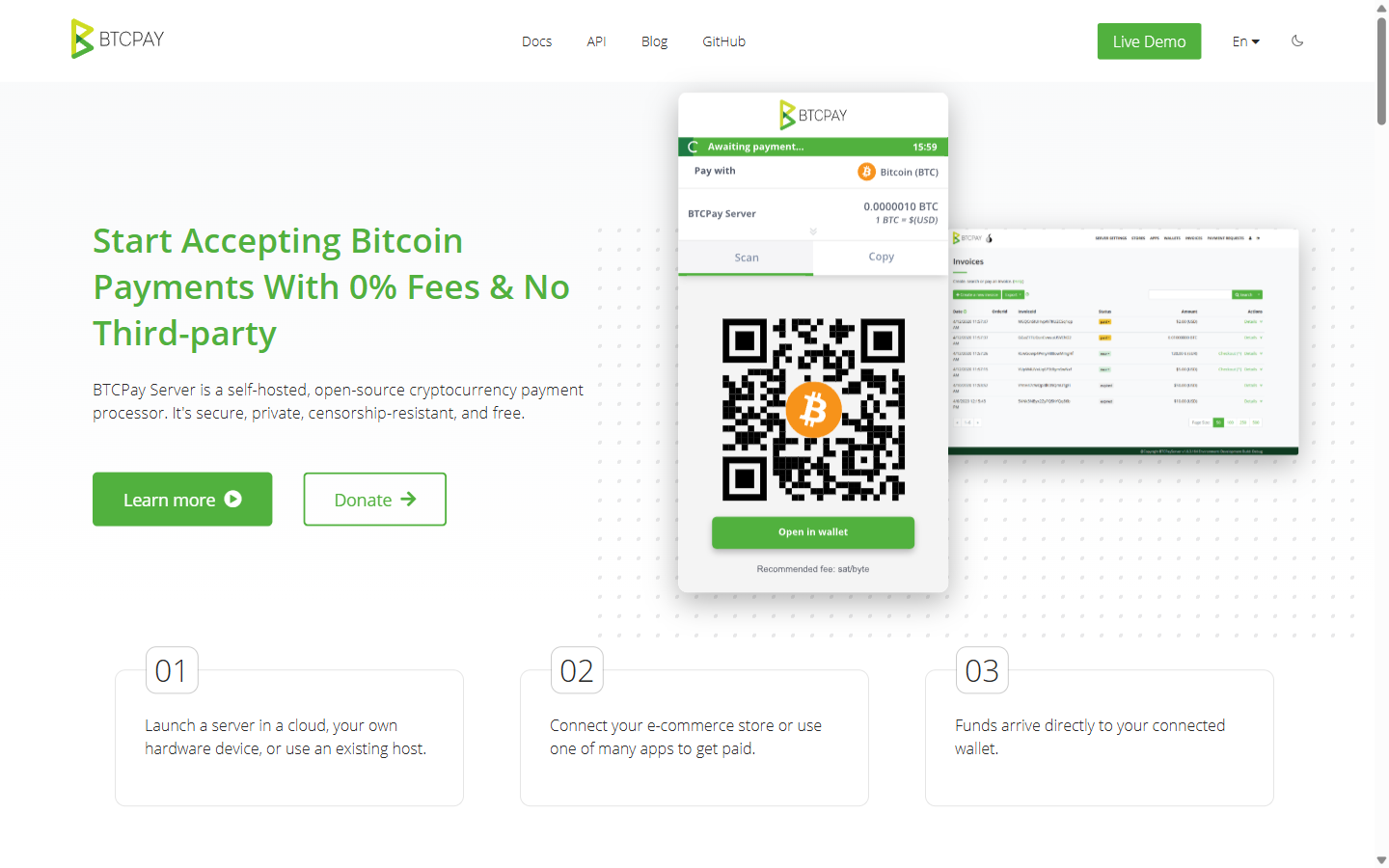
BTCPay Server is open-source software that turns a server you control into a payment processor. You connect a wallet by importing its public data, so private keys can stay off the server. BTCPay then creates invoices with fresh addresses, watches the blockchain and tells your store when a payment arrives. Its FAQ states that the BTCPay Server community "does not hold or have access to any funds of a store". It also says BTCPay is "not a company", with no email, live-chat or phone support. Help comes from the community chat, GitHub issues, or community members who sell paid support.
Nicolas Dorier made the first commit in September 2017 (the GitHub repository itself dates from 18 August 2017). He is still by far the most active contributor. Development is steady: there were nine releases between 15 March and 7 September 2026.
What It Costs to Run
There is no processing fee; the FAQ says there are "no subscriptions, no transaction fees". Your costs come from elsewhere:
- The server. BTCPay's Docker spec page gives 4 GB of RAM, 2 virtual cores and 50 GB of SSD "as a bare minimum" for a Bitcoin-only node with pruning. It adds that a VPS "around or below $20 USD per month can usually satisfy this profile". Each extra chain adds storage, and Monero alone needs at least 250 GB of SSD.
- A real price example. LunaNode, one of the 1-click options in BTCPay's docs, lists its m.4 plan (4 GB RAM, 2 vCores, 35 GB SSD) at $14 a month, with extra block storage at $0.03 per GB per month. BTCPay's LunaNode guide puts a deployment at "around US$15.80 per month".
- Network fees. On-chain Bitcoin payments still carry miner fees. A store setting can add a network-fee charge to invoices.
- Your time. Someone has to apply updates (sometimes urgently), keep backups and, if you run your own Lightning node, manage channels and liquidity.
At $50,000 a month in crypto sales, a 1% gateway costs $500 a month. BitPay's entry tier (2% + 25¢) costs $1,000 plus 25¢ per transaction. BTCPay's bill stays at the server cost. Whether that saving is worth the administration depends on your volume and on who maintains the server. The comparison table below sets the numbers side by side.
What Changed Since March 2026
Subscriptions arrived earlier, in v2.3.0 (18 December 2025). Since March 2026 the main changes are:
If you integrate through the API, note that 2.4.4 now revokes Greenfield API keys by key ID rather than by secret, and removed legacy BitPay Basic-auth keys. Read the release notes before upgrading a busy store.
Supported Coins and Stablecoins
BTCPay is Bitcoin-first. Its Docker documentation says: "Bitcoin and Litecoin are maintained by the BTCPay Server project. Other chains depend on their communities and should be evaluated and operated at your own risk."
- Bitcoin (BTC): on-chain and Lightning, maintained by the project.
- Litecoin (LTC): on-chain, maintained by the project.
- Community-maintained chains available in the Docker deployment: Dash, Dogecoin, Groestlcoin, Feathercoin, Monacoin, Liquid, Monero, Zcash, Beldex and Decred. Monero, Zcash and Beldex also need their plugins. Monero support uses a view key, so BTCPay can detect payments but cannot spend them. More in our guide to accepting Monero.
- USDt: available on Liquid through BTCPay's Liquid support. The separate Tether USDt plugin (v0.7.6, built 27 September 2026) adds USDt on TRON, Ethereum and Polygon. It is still pre-1.0, and its README warns that the default public TRON node is "for demonstration and testing only". For production you need your own node or a dedicated RPC provider.
- Other altcoins, including ETH itself: there is no native ETH payment method. Swap plugins such as SideShift, FixedFloat, Exolix and Trocador let customers pay in other coins through a third-party exchange service, which converts the payment before it reaches you.
If most of your customers pay in stablecoins or a wide range of altcoins, a hosted gateway will be less work. See the comparison below.
Lightning Network Options
Lightning payments settle without waiting for on-chain confirmations. BTCPay's user guide contrasts this with on-chain invoices, which sit in "Processing" until the store's confirmation policy is met. You have three ways to add Lightning:
- Run a node with BTCPay. The Docker deployment lets you pick Core Lightning, LND or phoenixd at setup. You can switch later, but the docs warn that switching "does not migrate wallets, channels, liquidity, or credentials".
- Connect an existing node. BTCPay's Lightning library connects to LND, Core Lightning, Eclair and phoenixd. LNDHub connections moved to an official plugin in 2.4.0, when the Lightning Charge and LNbank backends were dropped.
- Use a provider plugin. Plugins for Blink, Breez/Greenlight, Strike, Flint and Nostr Wallet Connect let you accept Lightning without running a node yourself. They do put a third party in the payment path.
A self-run node is not set-and-forget. The docs say you need to manage payment channels and liquidity, and Lightning has stricter backup requirements. Third-party hosts do not offer Lightning by default. If you run LND, see the 2.4.2 security note at the top of this page.
Features Merchants Use
Invoices and a Branded Checkout
Each store can set a brand colour, upload a logo and add custom CSS for the checkout. When you self-host, checkout runs on the domain you give your BTCPay server, not a third party's. Since 2.4.4, zero-amount invoices are blocked by default.
Point of Sale
The built-in Point of Sale app runs in a browser and has four layouts: Product list, Product list with cart, Keypad, and Print display. It supports tips with custom percentages, discounts, inventory, and (since 2.4.0) tax-inclusive or tax-exclusive pricing and tax on tips. See our crypto POS terminal guide and POS comparison.
Crowdfunding and Payment Buttons
The Crowdfund app runs a self-hosted campaign "similar to Kickstarter or Indiegogo", with perks and inventory limits. Payment buttons are embeddable HTML for tips and donations. Useful for accepting donations.
Payment Requests
Payment requests are long-lived invoices that a client can pay in parts until the full amount is reached or the request expires. Each payment uses the exchange rate at the moment of payment and a new address. They suit B2B billing; compare crypto invoicing tools.
Pull Payments, Refunds and Payouts
A pull payment sets aside funds that a recipient claims by submitting their own address. BTCPay uses it for refunds, and the WooCommerce plugin issues refunds this way. You approve the resulting payouts, and waiting payouts can be batched into one transaction. Automated payout processors exist for on-chain and Lightning payouts; the on-chain one requires a hot wallet on the server. For high-volume payouts, see crypto mass payout tools.
Subscriptions
Since v2.3.0 you can sell subscriptions. You create an offering, add plans with prices, billing periods, trials and grace periods, and share a checkout link. Customers manage their plan in a subscriber portal. BTCPay "cannot charge a customer's wallet automatically". Instead, subscribers prepay credit and each renewal is deducted from it; if the credit runs out, they must top up. The recurring crypto payments guide covers the trade-offs.
Payjoin
BTCPay supports payjoin (BIP78), a privacy technique in which the customer and merchant both contribute inputs to a transaction. It is not a payout-batching tool. It needs a hot wallet and at least one existing UTXO.
Wallet Security and APIs
Version 2.4.0 added a guided multisig wallet setup and passkey sign-in. Integrations use the Greenfield REST API and webhooks. BTCPay also implements BitPay's invoice API; the docs say migrating from BitPay "normally is as easy as changing a URL".
Store Plugins: WooCommerce, Shopify and Others
- WooCommerce: "BTCPay for WooCommerce V2" is on WordPress.org. When we queried it on 6 October 2026 it was at version 2.8.5, last updated 28 September 2026, and needed WordPress 6.2+ and PHP 8.0+. It offers refunds through pull payments, separate gateways per payment method, and a modal checkout. Compare it with alternatives on our WooCommerce crypto payment page.
- Shopify: only the v2 integration is supported; the docs say new users can no longer use V1. You install BTCPay's Shopify plugin (version 1.1.7 needs BTCPay 2.4.0 or later), then create your own app in the Shopify Partner portal, which BTCPay deploys from your server. The customer picks Bitcoin at checkout and pays from the Shopify "Thank you" page. Refunds are supported only for orders paid through BTCPay. More in Shopify crypto payment gateways.
- Other platforms: BTCPay's integration list includes Magento, PrestaShop, Drupal, OpenCart, Odoo, Wix, BigCommerce, Ecwid, Ghost, Easy Digital Downloads, GiveWP, Pretix, Shopware, Invoice Ninja and Zapier. The docs do not say who maintains each one, so check when it was last updated before relying on it.
- The plugin directory: when we queried it on 6 October 2026, it listed 56 plugins compatible with v2.4.4. They include the coin plugins above, fiat off-ramps, ticketing, and a Stripe plugin for taking card payments alongside crypto.
Hosting Options and Setup
Option 1: 1-Click Cloud Deployment
BTCPay's docs list LunaNode, Clovyr and Comet Cash as 1-click installs. In LunaNode's case you create an API key, enter it at LunaNode's BTCPay launcher, choose a domain and launch. The guide says the virtual machine is ready in 6 to 7 minutes, but blockchain sync "can take 1-7 days".
Option 2: Docker on Your Own VPS
- Rent a Linux server that meets the spec above (x86_64, armv7l or aarch64, with root access).
- Point a domain at it and open ports 80 and 443 for the automatic HTTPS setup.
- Clone the btcpayserver-docker repository and set a few environment variables: your domain, the chains, the Lightning implementation (or none) and a pruning profile.
- Run
btcpay-setup.sh -i. It installs Docker if needed, generates the stack and starts it. - Register the first account straight away, because it becomes the server administrator. Then wait for sync before accepting payments.
Docker is the officially recommended method for a self-hosted production instance. The docs also cover Azure, Google Cloud, a Raspberry Pi 4 and several "node in a box" products. Our BTCPay Server setup guide walks through the steps.
Option 3: A Third-Party Host
Some hosts give you a store on a shared BTCPay instance, so you run nothing yourself. BTCPay's own docs are blunt about the trade-offs. If you create a hot wallet on a host's server, that "gives the host complete access to your funds". A malicious host could swap your public key for theirs and redirect future payments. Lightning is not available by default, and you cannot rescan wallets or change server settings. The docs add: "If a third-party host asks for your private key or pre-generates one for you, be sure it's a scam."
btcpay-update.sh), but the docs say to back up and read the release notes before significant upgrades. Budget for acting quickly on security releases: 2.4.2 and 2.4.3 both arrived in August 2026.
KYC, Custody and Fiat
- KYC: BTCPay is software, not a company you sign up with, so there is no identity check from BTCPay. A third-party host or any off-ramp plugin you add sets its own terms. See other no-KYC gateways.
- Custody: payments go to wallets you control. The weak points are a hot wallet kept on the server and the server itself, so whoever controls the machine matters. Compare non-custodial gateways.
- Fiat: there is no built-in conversion or bank settlement. Third-party plugins fill the gap: Bringin (a euro off-ramp), Mt Pelerin (forwards funds to a Swiss off-ramp for EUR, CHF and other currencies) and Peach (peer-to-peer sell offers). If you need dollars or euros in your bank automatically, look at gateways with fiat settlement.
Pros and Cons
Pros
- 0% processing fee; your cost is hosting
- MIT-licensed, auditable code with frequent releases
- Payments go to wallets you control
- No company account, so no KYC from BTCPay
- Lightning via Core Lightning, LND, phoenixd or provider plugins
- Point of Sale, crowdfunding, payment requests, pull payments and subscriptions built in
- Actively maintained WooCommerce plugin and a large plugin directory
Cons
- You run, or trust someone to run, the server: updates, backups, monitoring
- Security releases need fast action; the 2.4.2 flaw cost some LND users funds
- Only BTC and LTC are maintained by the project; the USDt plugin is pre-1.0
- Initial blockchain sync can take days
- Subscriptions rely on prepaid credit, not automatic charges
- No built-in fiat settlement; off-ramps are third-party plugins
- No email or phone support
Who Should Use BTCPay Server?
A good fit for:
- Merchants taking mostly Bitcoin, at a volume where percentage fees add up
- Businesses that want self-custody and no gateway account or KYC
- Teams with a developer or IT person who can own updates and backups
- Shops and venues that want a free browser-based Point of Sale
- Projects that raise funds or take donations in Bitcoin
A poor fit for:
- Non-technical merchants with no one to maintain a server
- Stores whose customers mainly pay in stablecoins or many altcoins
- Businesses that need automatic fiat settlement to a bank account
- SaaS products that need card-style automatic charging
BTCPay Server vs Hosted Gateways
Fees below come from each provider's own pricing or fees page on 6 October 2026. The $50,000 row is simple arithmetic on those rates, before network fees.
NOWPayments' pricing page headlines a "1% Service fee". Its company blog breaks this down as 0.5% for same-coin payments and 1% when conversion is involved. Coinremitter's fees page says the 0.23% applies when you withdraw funds and marks some coins as premium-only. For other self-hosted projects, see our open-source crypto gateway comparison or the BitPay alternatives roundup.
Compare Gateways That Pay Straight to Your Wallet
See how BTCPay Server compares with other non-custodial options on fees, coins and setup effort.
Compare Non-Custodial Gateways →Frequently Asked Questions
Is BTCPay Server really free?
Yes. The software is MIT-licensed and charges no processing fee; its FAQ says there are "no subscriptions, no transaction fees". You pay for the server instead. BTCPay's server-spec page says a VPS around or below $20 a month can usually run a Bitcoin-only setup, and LunaNode's m.4 plan is $14 a month plus block storage. On-chain network fees still apply.
Can I use BTCPay Server without technical skills?
Partly. A 1-click deployment (LunaNode, Clovyr, Comet Cash) or a third-party host removes most of the setup. But a shared host offers no Lightning by default and can take your funds if you keep a hot wallet on its server. Running your own server means applying updates and keeping backups. If that sounds unmanageable, a hosted gateway such as NOWPayments is simpler.
Does BTCPay Server support USDT?
Yes, in two ways. USDt on Liquid works through BTCPay's Liquid support. The separate Tether USDt plugin (version 0.7.6 in September 2026) adds USDt on TRON, Ethereum and Polygon. Its README says the default public TRON node is for testing only, so production use needs your own node or a paid RPC provider. See our guide to accepting USDT payments.
Does BTCPay Server support subscriptions and recurring payments?
Yes, since version 2.3.0 (18 December 2025). You create offerings and plans with optional trials and grace periods. BTCPay cannot charge a customer's wallet automatically, so subscribers prepay credit and each renewal is deducted from that balance. Compare other options on our crypto subscription billing page.
How does BTCPay Server compare to BitPay?
BTCPay is free software and payments go to your own wallet. BitPay's pricing page lists 2% + 25¢ per transaction under $500,000 a month, falling to 1% + 25¢ at $1 million or more. BitPay offers daily fiat settlement to a bank account and runs a KYC and compliance programme. BTCPay implements the same invoice API as BitPay, so an existing BitPay integration can usually be moved to BTCPay. More detail: BitPay vs CoinGate vs BTCPay.
Can I accept Lightning Network payments with BTCPay Server?
Yes. You can run Core Lightning, LND or phoenixd alongside BTCPay, connect an external node, or use a provider plugin such as Blink, Breez or Strike. Lightning payments settle without waiting for on-chain confirmations. A node you run yourself needs its channels, liquidity and backups managed.
How much disk space does BTCPay Server need?
For a Bitcoin-only node with the default pruning profile, the docs give 50 GB of SSD as a bare minimum, with 4 GB of RAM and 2 virtual cores. Every extra chain adds storage. Monero needs at least 250 GB of SSD, and an unpruned node or full indexing needs far more.
Sources
All checked on 6 October 2026.
- BTCPay Server GitHub repository (licence, creation date, contributors)
- BTCPay Server releases (v2.3.0 to v2.4.4 release notes)
- Security advisory: BTCPay Server 2.4.2
- BTCPay Server 2.4.0 announcement
- BTCPay Server 2.3.0 announcement (subscriptions)
- btcpayserver.org homepage
- Docs: General FAQ (fees, licence, support, custody)
- Docs: Deployment options
- Docs: Docker server specifications
- Docs: Updating a Docker deployment
- Docs: LunaNode deployment
- Docs: Third-party hosting
- Docs: Lightning Network
- Docs: Altcoin FAQ
- Docs: Apps (Point of Sale, Crowdfund, Payment Button)
- Docs: Payment requests
- Docs: Pull payments
- Docs: Payouts
- Docs: Payjoin
- Docs: Shopify v2
- Docs: WooCommerce
- Docs: Integrations and APIs
- btcpayserver-docker: install guide
- btcpayserver-docker: Lightning options
- btcpayserver-docker: supported chains
- BTCPayServer.Lightning (supported node connections)
- User guide: offerings and recurring payments
- User guide: overview (wallets, settlement)
- Source: store branding settings
- Source: Point of Sale layouts
- Source: automated payout processors
- BTCPay Server plugin directory
- Tether USDt plugin
- BTCPay Server Shopify plugin
- BTCPay for WooCommerce on WordPress.org
- LunaNode pricing
- NOWPayments pricing
- NOWPayments fee breakdown (company blog)
- Coinremitter fees
- BitPay pricing