Crypto POS Options Compared: How to Accept Crypto In-Store
In-store crypto compared: BTCPay Server, BitPay, NOWPayments, ForumPay and Confirmo. Hardware, fees, Lightning and fiat settlement, checked October 2026.
 Kevin Richards
Key Takeaways
- You do not need special hardware. BTCPay Server, BitPay, NOWPayments and ForumPay all offer a browser-based checkout that runs on a phone, tablet or computer you already own. Confirmo offers a Lightning-only phone app.
- BTCPay Server has no processing fee and pays straight into your own wallet. You run or rent the server, and there is no built-in conversion to cash.
- BitPay is the best-documented route to cash in the bank: payouts in local currency the next business day, plus support for compatible Verifone card terminals. Its in-store rate is 2% + 25¢ per transaction below $500,000 a month, not the flat 1% this guide previously listed.
- At a till, Bitcoin over Lightning is the practical choice. BTCPay marks Lightning invoices settled straight away. On-chain payments wait for the number of confirmations you set.
- CoinGate no longer advertises a point-of-sale app. Its old /pos address now redirects to its online checkout page, so we have taken it out of this comparison.
How In-Store Crypto Payments Work
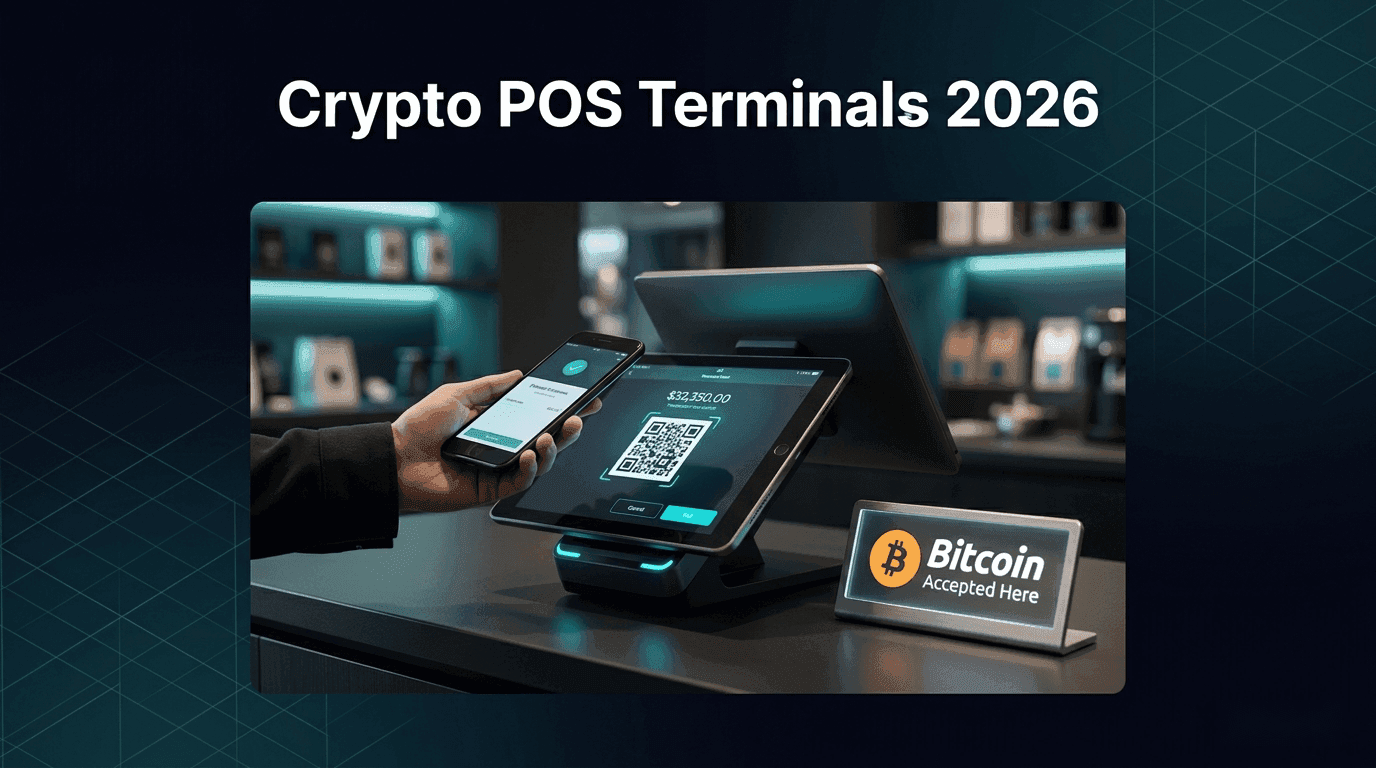
Every option below uses the same basic flow at the counter. You enter the amount (or tap products), a QR code appears, the customer scans it with their wallet and pays, and the screen shows the payment as received. The options differ in four ways: who holds the money, what each sale costs, how fast a payment counts as final, and whether you end up holding crypto or receiving cash in your bank account.
There are three hardware setups:
- A web checkout on a device you already own. BTCPay Server's Point of Sale app, BitPay Quick Checkout, the NOWPayments POS link and ForumPay's virtual terminal all run in a browser.
- A phone app. Confirmo POS runs on iOS and Android and accepts Bitcoin over Lightning only.
- A card terminal. BitPay can be added as a payment option on compatible Verifone terminals. ForumPay sells a dedicated crypto terminal. NOWPayments and ForumPay also offer APIs for connecting crypto payments to existing POS software.
The Options Compared
BTCPay Server POS: No Processing Fees, Your Own Wallet
BTCPay Server is free, open-source software with a built-in Point of Sale app. Its documentation describes the app as a way to "accept cryptocurrencies without fees or a third-party, directly to their wallet". You open the app's URL on a tablet or phone at the counter and can save it as a home-screen shortcut.
In the current code, the app has four layouts: Product list, Product list with cart, Keypad and Print display. Settings include:
- Tips with your own tip percentages, and an optional tax rate on tips
- Discounts, which BTCPay marks as "not recommended for customer self-checkout"
- Custom amounts, a default tax rate, and product search and categories
- Display currency: prices are set in the currency you choose and converted when the invoice is created
The store's checkout settings include an In-store preset. It assumes the payment page is shown on your device rather than the customer's, and it turns on a sound when a payment arrives. There is also an NFC option that lets a customer tap a card that supports LNURL-withdraw (such as a Bolt Card) to pay a Lightning invoice. This only works in browsers that support Web NFC. BTCPay's own check reports "NFC is not supported by this browser" on browsers that do not.
Coins. BTCPay's documentation says Bitcoin is the project's only focus. Other coins are opt-in integrations maintained by their own communities, including Litecoin, Dogecoin, Dash, Monero (plugin), Zcash (plugin), Liquid (which includes Liquid USDt) and USDt on Tron (plugin).
What it costs to run. BTCPay's deployment guide puts hosting at about $10 a month for a one-click LunaNode install and $10–70 a month on a general VPS. Its LunaNode guide adds that the initial blockchain sync takes 1–7 days, depending on the plan. Plan your launch days ahead, not hours. Third-party hosts can run BTCPay for you (free or paid, depending on the host), but the docs warn that they offer no Lightning by default. Without your own node, the Breez plugin (in beta) provides non-custodial Lightning. The first Lightning invoice has a relatively high minimum because a channel has to be opened.
Cash out. BTCPay has no built-in fiat conversion. The Bringin plugin can automatically forward a set percentage of your Lightning receipts to Bringin, which converts them to euros. You need a Bringin account, and the docs list on-chain forwarding as "coming soon". Otherwise, you convert the crypto yourself.
Because the software runs on your own server and pays into your own wallet, BTCPay has no merchant sign-up or verification process of its own. For a full walkthrough, see our BTCPay Server setup guide and BTCPay Server review.
BitPay In-Store: Fiat Settlement and Verifone Terminals
BitPay offers two in-store options. Quick Checkout is web-based: in the BitPay dashboard you open Payment tools, then Quick Checkout for Web. That gives you a URL unique to your account, which you bookmark on your store devices. For each sale you enter an order ID and an amount, and BitPay displays a QR code for the customer to scan on their own phone. The second option is the Verifone integration: "for merchants using compatible Verifone terminals, BitPay can be added as a native payment option alongside cards and contactless payments."
Earlier versions of this guide described a BitPay POS app for iOS and Android with tipping and email receipts. BitPay's current in-store page lists only the browser-based Quick Checkout and the Verifone integration. The Quick Checkout documentation mentions only an order ID and an amount, with no product catalog or tipping.
Fees. BitPay's pricing page applies the same tiered rates to online, in-store and email-billing payments, based on your cumulative monthly volume:
- Under $500,000: 2% + 25¢ per transaction
- $500,000 to $999,999: 1.5% + 25¢
- $1,000,000 and above: 1% + 25¢
- Higher fees apply to high-risk industries
The fixed 25¢ matters at a counter. On a $10 sale under the first tier, the fee is 45¢, or 4.5%. BitPay deducts fees from your daily settlements, and you can choose to add the fee to the invoice the customer pays.
Coins and Lightning. BitPay's supported-assets disclosure lists 18 assets: BTC, BCH, ETH, SOL, LTC, DOGE, XRP, POL, SHIB, APE, WBTC, DAI, USDC, USDT, PYUSD, USDP, GUSD and EURC. BitPay added Lightning payments for Bitcoin in April 2022 and said merchants needed no extra setup.
Settlement. BitPay converts the payment and "settles funds in local fiat to your business account the next business day". You can choose fiat, crypto or a mix. It advertises bank deposits in 38 countries, in US dollars, euros, pounds and more.
Verification. BitPay's compliance documentation lists what you need for its first merchant tier ($10,000 a day, $500,000 a year):
- IDs for everyone with 25% or more ownership
- Government-issued business registration
- Proof of address, such as a utility bill from the last 90 days
- An active business website that shows pricing and has terms and conditions or a privacy policy
A shop with no website should check that last point before applying. For more, see our BitPay review.
NOWPayments POS: A Web Link With a Long Coin List
NOWPayments describes its point of sale as a link. You create an account, add a wallet address for withdrawals, get an API key, and then create a unique POS link in your dashboard. That link is the payment terminal your customers use. NOWPayments also offers API access for adding crypto to an existing POS system. For merchants who want to skip the POS setup, it suggests its NOW Wallet app as an alternative way to take payments in person.
Its POS page advertises 350+ crypto assets and a service fee "starting from 1%", which can drop "as low as 0.3% through custom offers" or its discount system. You can withdraw in crypto or fiat. Bitcoin Lightning was not listed on its supported-coins page when we checked, so plan on Bitcoin payments there being on-chain, with the confirmation wait that implies (see Lightning vs on-chain). More detail is in our NOWPayments review.
ForumPay: Web Terminal or Dedicated Hardware, Converted to Fiat
ForumPay offers three in-person routes:
- A web POS ("use our web-Pos to accept in-person crypto payments")
- A Crypto PoS Terminal you can buy
- An API to "integrate crypto payments into your PoS software or webshop"
Its merchant dashboard guide describes the New Payment screen as working "like a virtual terminal". It generates a payment "in real time for a consumer who is present" from any web-enabled device.
ForumPay converts each payment to USD, EUR, GBP or another fiat currency when it is made. It starts settlement at the end of every business day, subject to a minimum settlement amount, and at least weekly. You can also keep crypto or convert to a stablecoin. Supported coins are Bitcoin, Bitcoin Cash, Litecoin, Ether, DASH, XRP, MATIC, TRX, USDC on Ethereum and Polygon, and USDT on Ethereum, Tron and Polygon. Lightning is not on the list.
ForumPay does not publish a rate. It says it charges "a single, all-inclusive transaction fee", so ask for a quote. Merchant verification runs through its partner Sum & Substance, and customer wallets are screened with Chainalysis.
Confirmo POS: A Lightning-Only Phone App
Confirmo's POS documentation says the app "turns your smartphone into a Bitcoin Lightning terminal". The app works on Apple and Android devices, but it is not a self-serve download: the docs say to contact Confirmo support for access. To set it up, open Payment tools, then POS Setup in your Confirmo dashboard, and pair your phone with the code shown there.
Customers pay by scanning a Lightning QR code or by tapping an NFC card such as a Bolt Card. Funds are credited to your Confirmo account straight away, and you withdraw from there. The docs state "no usage fees" for the POS. Confirmo's online checkout product, separately, advertises conversion to fiat or stablecoins with deposits to a bank account or crypto wallet. The trade-off is coverage: the POS accepts only Bitcoin over Lightning, so customers paying in stablecoins or other coins cannot use it. See our Confirmo review.
Binance Pay and CoinGate
Binance Pay. Customers pay by scanning a merchant's Binance Pay QR code in the Binance app. Binance says Binance Pay is available only to eligible users in supported countries and requires identity verification, so this works only for customers who already use Binance. Binance's fee FAQ (updated January 2026) gives merchant rates only for its Mini Program merchants (1% per transaction, plus a $1,000 monthly minimum below $90,000 of quarterly volume). It does not give a separate in-store rate, so confirm pricing before you sign up. See our Binance Pay review.
CoinGate. Earlier versions of this guide recommended a CoinGate POS app. On 6 October 2026, coingate.com/pos redirected to CoinGate's online checkout page. Its retail solutions page listed only its payment API, e-commerce plugins and email or direct-link billing. We found no current POS app on CoinGate's own site, so it is no longer in this comparison. For online sales, see our CoinGate review.
Lightning vs On-Chain at the Counter
Speed at the till depends mostly on the network the customer pays on. BTCPay's documentation sets out how the two Bitcoin options behave:
- Lightning: "Invoices paid via the Lightning Network immediately go to a settled state."
- On-chain: an invoice shows as "processing" as soon as the transaction is visible on the network. It becomes "settled" only after the number of confirmations you set, usually 1 to 6. You decide whether to hand over goods at "processing", which carries some risk, or to wait.
- Invoice timer: by default an invoice expires after 15 minutes if it is not fully paid. You can change this.
Some processors take on part of this risk. ForumPay, for example, says it gives instant confirmation that "acts as a payment guarantee for the merchant". If you run your own BTCPay Server, enabling Lightning is the single biggest improvement for in-person sales. See our guide to crypto payment networks for how other chains compare.
Setting Up BTCPay Server POS
- Deploy BTCPay Server. Use a one-click host such as LunaNode, a VPS, or a third-party host, and allow time for the initial blockchain sync (1–7 days in BTCPay's LunaNode guide).
- Create a store and connect your Bitcoin wallet.
- Set up Lightning: your own node, or a plugin such as Breez if you have no node.
- Click Point of Sale in the left menu to create the app, then choose a layout (Product list, Product list with cart, Keypad or Print display), a currency, items and tip settings.
- In the store's checkout settings, pick the In-store preset and, if you want it, enable NFC.
- Open the app's URL on your counter tablet or phone.
BitPay, NOWPayments and Confirmo setups are dashboard steps, covered in their sections above. ForumPay's site offers online sign-up or a booked meeting with its team.
Which One Should You Choose?
Need Help Choosing?
See the gateways in our directory that support in-store payments.
Compare POS Options →Frequently Asked Questions
Do I need special hardware to accept crypto in a store?
No. BTCPay Server, BitPay Quick Checkout, the NOWPayments POS link and ForumPay's virtual terminal run in a web browser, and Confirmo POS is a phone app. Hardware is only needed if you want crypto on a card terminal: BitPay works on compatible Verifone terminals, and ForumPay sells its own terminal.
How fast are in-store crypto payments?
On Lightning, BTCPay Server marks the invoice settled immediately. On-chain invoices settle only after the number of confirmations you set, usually 1 to 6, so Lightning is the practical choice for counter sales.
Can I accept crypto and cards on the same terminal?
Yes, with BitPay on compatible Verifone terminals. Otherwise, run crypto on a separate phone or tablet, or use the NOWPayments or ForumPay API to connect it to your existing POS software.
Do customers need a crypto wallet to pay in-store?
Yes, a wallet that supports the coin and network you offer, and a Lightning-capable wallet for Lightning payments. Binance Pay QR codes can only be paid from the Binance app.
Which crypto POS option has the lowest fees?
BTCPay Server has no processing fee; you pay for hosting, about $10 to $70 a month according to its deployment guide. Confirmo POS states no usage fees but takes Lightning only. NOWPayments starts at 1%. BitPay charges 2% + 25 cents per transaction below $500,000 of monthly volume.
Can I accept stablecoins like USDT or USDC at my store?
Yes, through BitPay, ForumPay or NOWPayments. BTCPay Server supports USDt on Tron through a community plugin and USDt on Liquid. Confirmo POS accepts Lightning only.
Can I receive dollars or euros from crypto POS payments?
Yes, with BitPay (local currency the next business day), ForumPay (settled each business day, subject to a minimum) or NOWPayments (fiat withdrawals). BTCPay Server has no built-in conversion; its Bringin plugin can forward Lightning receipts to a Bringin euro account.
Sources
All pages below were checked on 6 October 2026.
- BTCPay Server docs: Apps (Point of Sale)
- BTCPay Server docs: Apps FAQ
- BTCPay Server docs: Altcoins FAQ
- BTCPay Server docs: Stores FAQ (invoice states, confirmations, timer)
- BTCPay Server docs: Choosing a deployment method
- BTCPay Server docs: LunaNode deployment
- BTCPay Server docs: Third-party hosting
- BTCPay Server docs: Breez plugin
- BTCPay Server docs: Bringin plugin
- BTCPay Server source: Point of Sale plugin (layouts)
- BTCPay Server source: Point of Sale settings view
- BTCPay Server source: checkout appearance (In-store preset, NFC)
- BTCPay Server releases
- BitPay: In-store payments
- BitPay: Pricing
- BitPay: Supported crypto assets
- BitPay developer docs: Quick Checkout setup
- BitPay developer docs: Compliance (merchant tiers and documents)
- BitPay blog: Lightning Network support (April 2022)
- NOWPayments: Point of Sale
- NOWPayments: Supported coins
- ForumPay: Payment gateway (web POS, terminal, API)
- ForumPay: Retail (settlement, coins, FAQs)
- ForumPay support: Merchant dashboard user guide
- Confirmo docs: POS terminal
- Confirmo: Checkout
- CoinGate: former /pos address (now redirects to online checkout)
- CoinGate: Retail solutions
- Binance Pay
- Binance Pay fees FAQ